
The phone in your pocket is a motion controller
In a party game the TV runs the game and everyone joins by scanning a QR code with their phone. With motion controls, that phone becomes the bat, the steering wheel or the bowling ball. Nothing to install: it all runs in the phone’s browser.
Try Motion Lab first
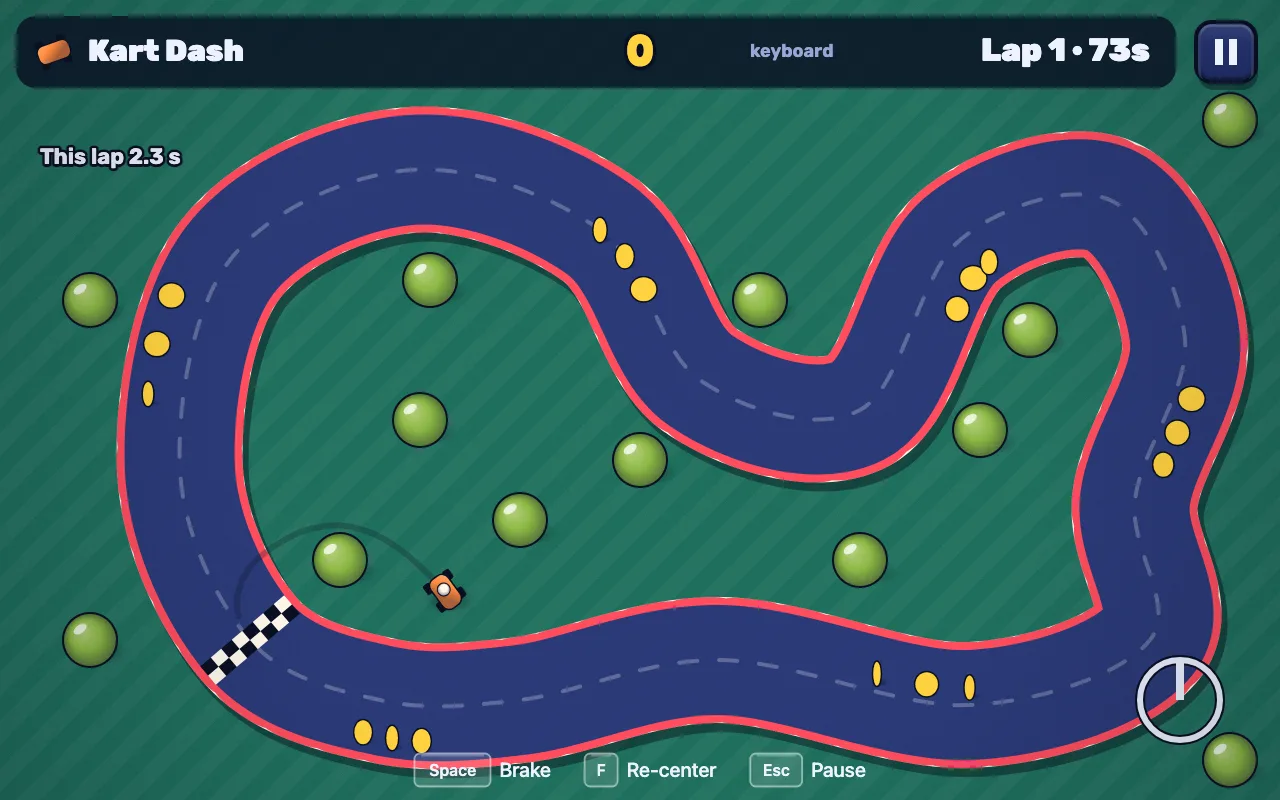
It is one of the free starter games: six quick stations (a marble maze, home run batting, fruit slashing, maracas on the beat, a kart you steer like a wheel) and a Sensor Bench that shows exactly what your phone sends. Start it, scan the code, and on an iPhone tap Allow motion controls.
What plays well
Tilt
Tip the phone like a tray to roll a marble, balance a tower or lean into a turn. Read from gravity, so it never drifts.
Steer
Hold it sideways like a wheel and turn. The most natural hold for a game on the TV, and nothing to recalibrate.
Swing, flick, shake
Bat, racket, slash, maracas. Detected on the phone at the full sensor rate and timed there, so timing games feel fair.
Grip and throw
Hold a button, swing, let go: bowling, darts, casting a line. Speed, line and wrist twist all come from the swing.
What doesn’t: pointing at the screen
A console light gun or pointer works because the remote can see the TV. A phone can’t: it only knows how it’s turning, not where the screen is or where your arm is, and the network adds a moment of delay. We tried hard (it’s why Motion Lab has a kart instead of a duck shoot). The template’s guide steers agents toward what works.
Make one
Open your games repo in your coding agent and ask for it. The template has a skill and a guide for motion games, so the agent knows the rules above.
Make a party game where everyone's phone is a fishing rod: flick to cast, reel by turning.By hand, scaffold a party game with the motion phone screen:
npx github:Visual-Zone-Development/pushplay-kit new-game my-game --party --controller motionThat gives the phone screen (sensors, gestures, a strength meter, a touch-pad fallback) and motion.js for the TV (tilt, a steering wheel, swings on the TV’s clock, calibration per player). Read the motion guide →
Good to know
Phones need https
Browsers only share motion sensors with secure pages. Published games are https, so they just work. Onnpx github:Visual-Zone-Development/pushplay-kit dev --host over Wi-Fi the page is plain http, so phones fall back to an on-screen touch pad: test motion on the published build.
iPhone asks first
iOS asks permission for motion after a tap, so the join page shows Allow motion controls. Android shares it without asking. Phones keep their seat for two minutes if they lock or drop off Wi-Fi.
Everyone can still play
Every motion game also plays with a controller, a keyboard, a mouse or touch, and a phone without sensors gets a touch pad. Controllers plugged into the TV join the party too.